01
Notes that keep up
Write rich notes, sketch with a pencil, add pictures and files, record audio, and begin from reusable templates.
- Rich text and checklists
- Pictures, sketches and attachments
- Audio recording and transcription
Think it. Plan it. TaDO it.
Bring your notes, tasks and calendar into one calm place. Capture a thought, shape a plan and see what matters now—from your phone or computer.
Your account is private. Calendar connections are always optional.

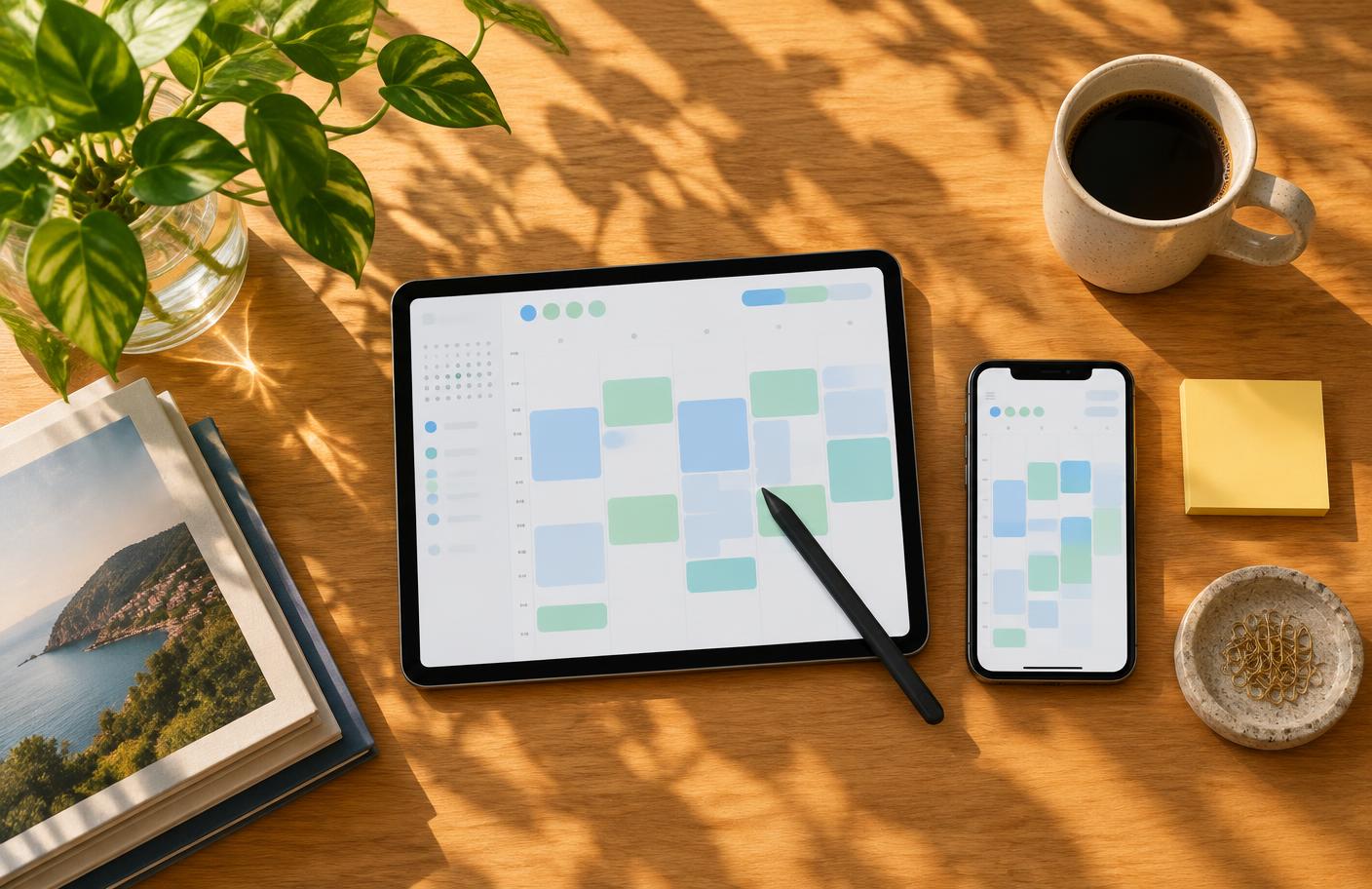

One connected workspace
Tado gives your schedule, next actions and working notes a shared home. Search across them, capture from anywhere, and move from idea to done without rebuilding the context.
Write rich notes, sketch with a pencil, add pictures and files, record audio, and begin from reusable templates.
Turn thoughts into tasks with subtasks, tags, reminders, repeats and natural-language due dates.
Move between day, week, month and list views. Optionally connect Google or Outlook and make changes both ways.

From conversation to next step
Capture notes as you talk, create a transcript when you choose, and turn outcomes into tasks that stay connected to the original conversation.
Less switching, more doing
Search tasks, notes and recordings from one place, or ask Tado for a cited answer from your own information.
Type, speak, paste or photograph what is on your mind. Tado helps turn it into the right note, task or event.
Record notes, create a transcript and, when you choose, pull out outcomes and follow-up actions.
Previously opened pages and your recent work remain available when your connection drops, then sync again later.
Your information, your choice
Connect Google Calendar or Outlook only if you want your events beside your tasks. Tado uses that access to show events and make the changes you request, and you can disconnect or revoke access at any time.
Google Calendar details are not used for Memory, Ask Tado or meeting processing unless you separately enable Google Calendar AI features. That setting starts off, can be declined without affecting calendar sync, and can be turned off later.
Start with a thought. Tado will help you carry it through.
Get started free